Published Dec 16, 2020 · Updated Nov 23, 2024
Execute your AI Endurance personalized training plan directly from your Garmin watch or bike computer. No more writing down workouts or remembering interval sets. Get step-by-step instructions as Garmin custom workouts and a Garmin Connect training plan with only a few clicks.
Garmin custom workouts are step-by-step instructions that guide you through your workout. Take for example an AI Endurance - Tempo Run:
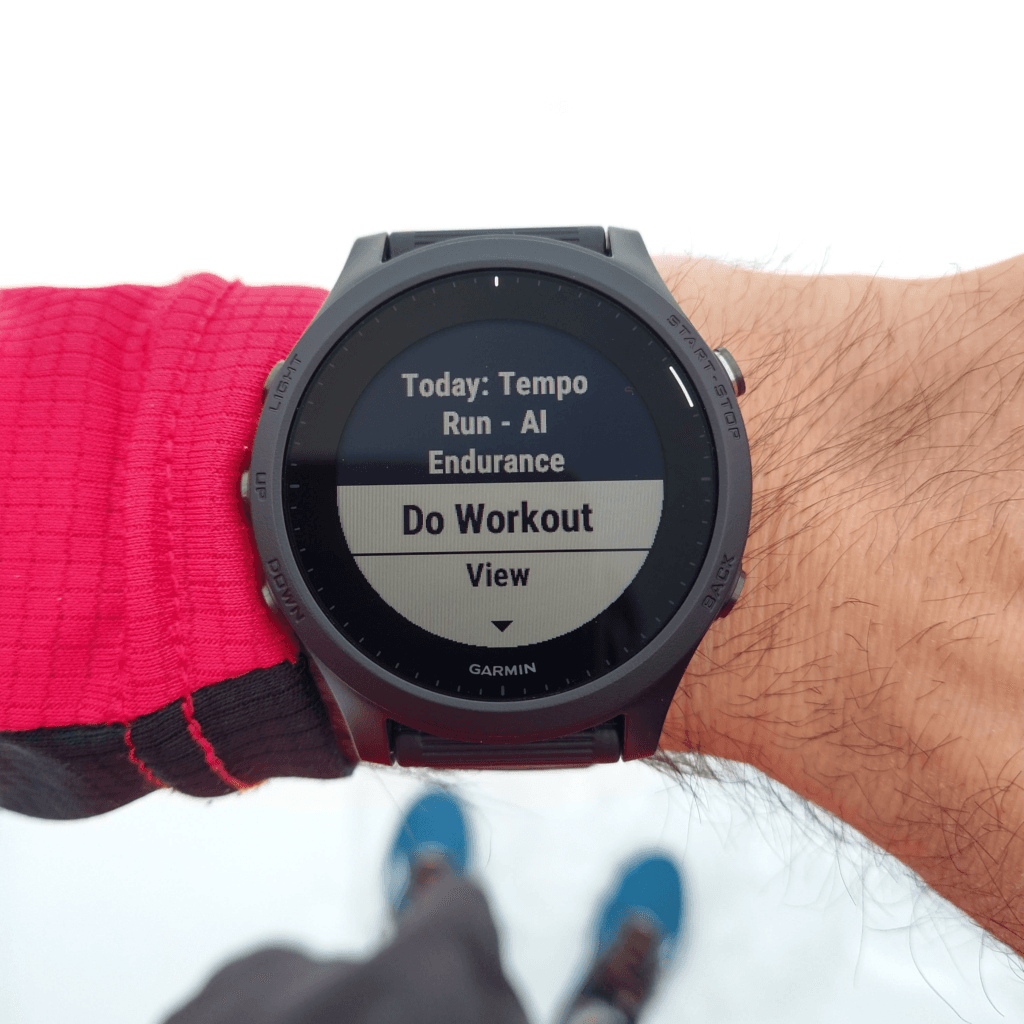
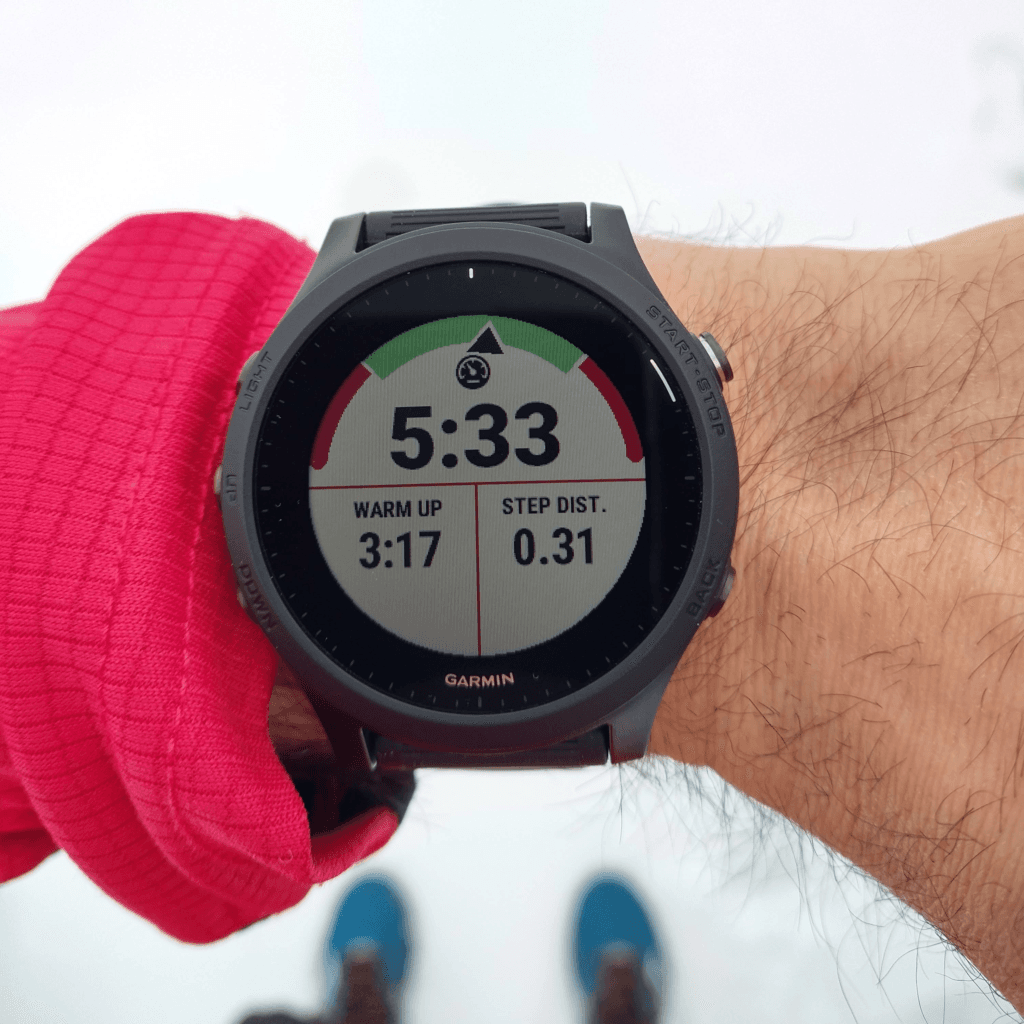
Once you synchronize AI Endurance with Garmin Connect, you'll get these instructions in real time via Garmin custom workouts:
We made it as simple as possible for you to enjoy Garmin custom workouts: Simply go to the Apps page and connect Garmin Upload:
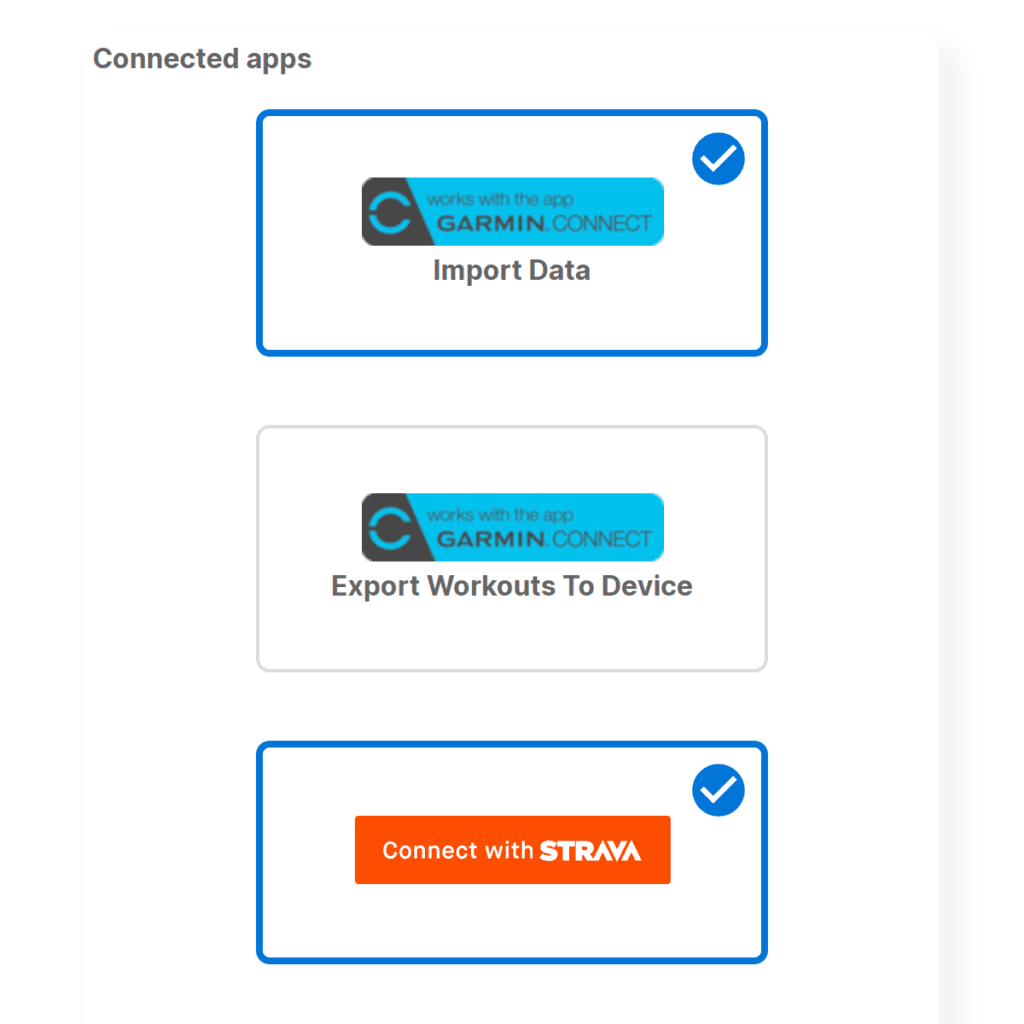
Authorize AI Endurance to export workouts to Garmin Connect:
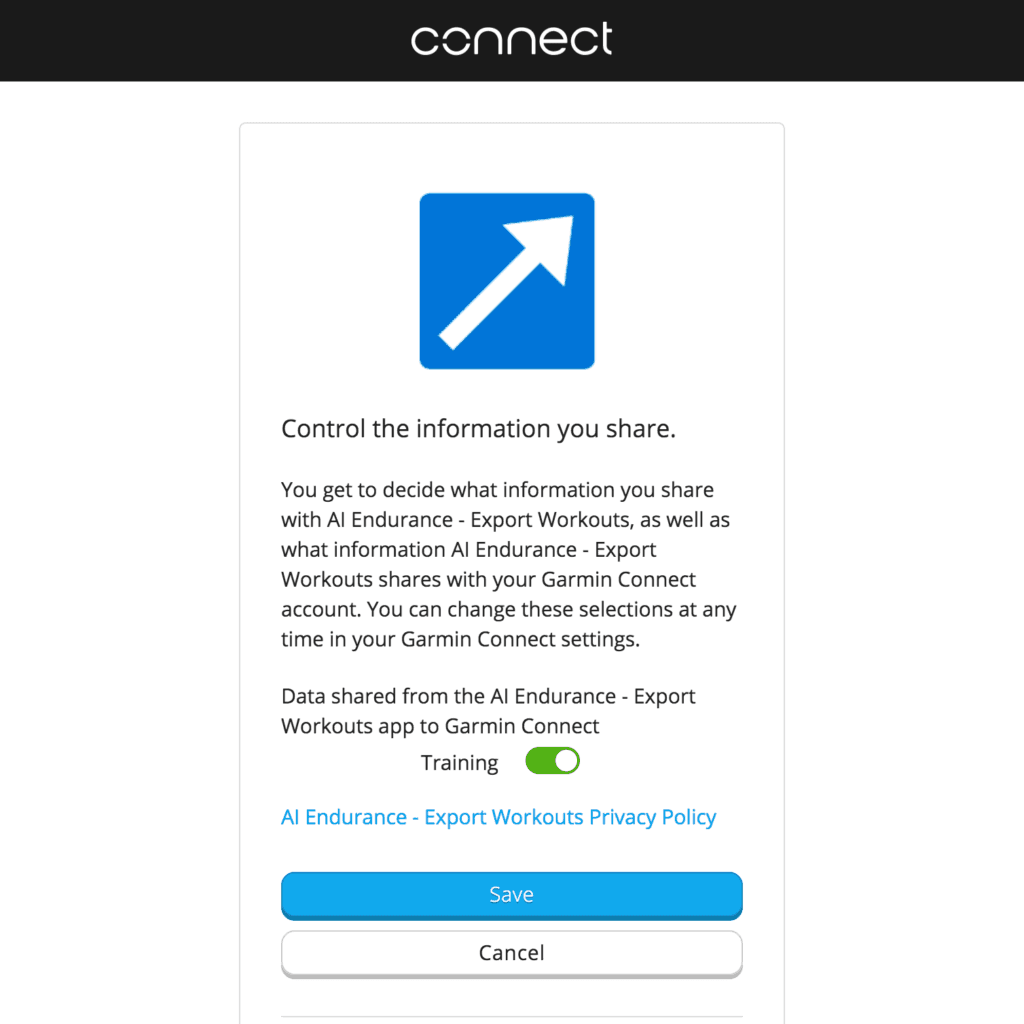
That's it - you're all set!
If you move a workout to a different day, change your training zones or start a new plan you don't have to do anything. AI Endurance will forward the changes to your Garmin Connect training plan so your device is always up to date with your AI Endurance training plan. We continuously export your workouts so your next week of workouts is always up to date in Garmin Connect.
Get started today and forget about writing down or remembering your workout plan with AI Endurance's Garmin custom workouts. Start with a free-trial, no credit card information required!
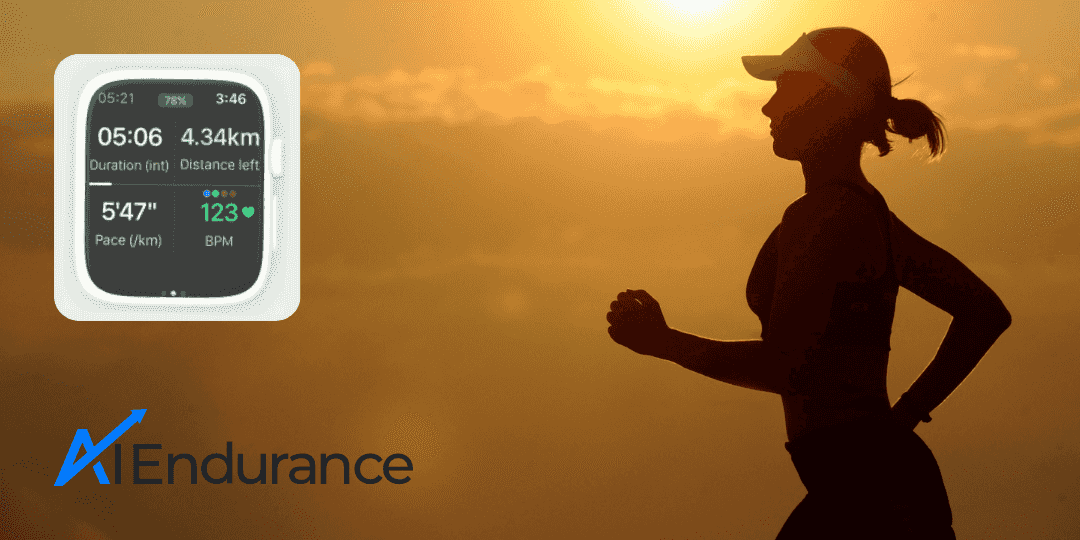
Apple Watch has been a popular choice in running and triathlon. You can now track and execute your AI Endurance custom running, cycling and swimming workouts on your Apple Watch.
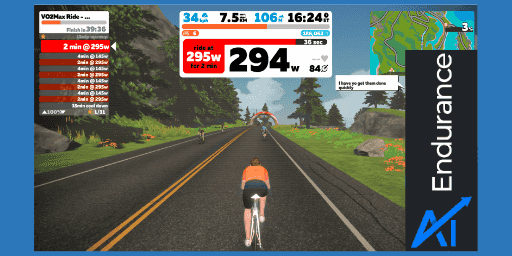
Use Zwift custom workouts to grow your FTP with a data-driven, personalized Zwift custom training plan from AI Endurance.

In this post, we give a short introduction to the running training zones and cycling training zones we use to structure your training. We use 5 training zones defined by pace for running activities and by power for cycling activities. AI Endurance calculates these zones for you individually based on your past training data.
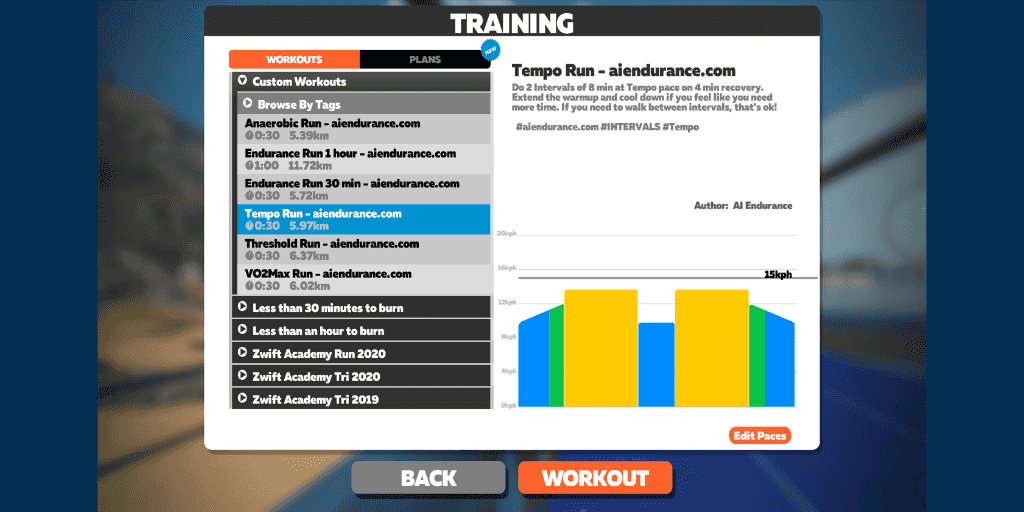
Use Zwift running workouts to increase your running pace with a data-driven, personalized and predictive Zwift running training plan from AI Endurance.

