Published Aug 10, 2021 · Updated Sep 10, 2026
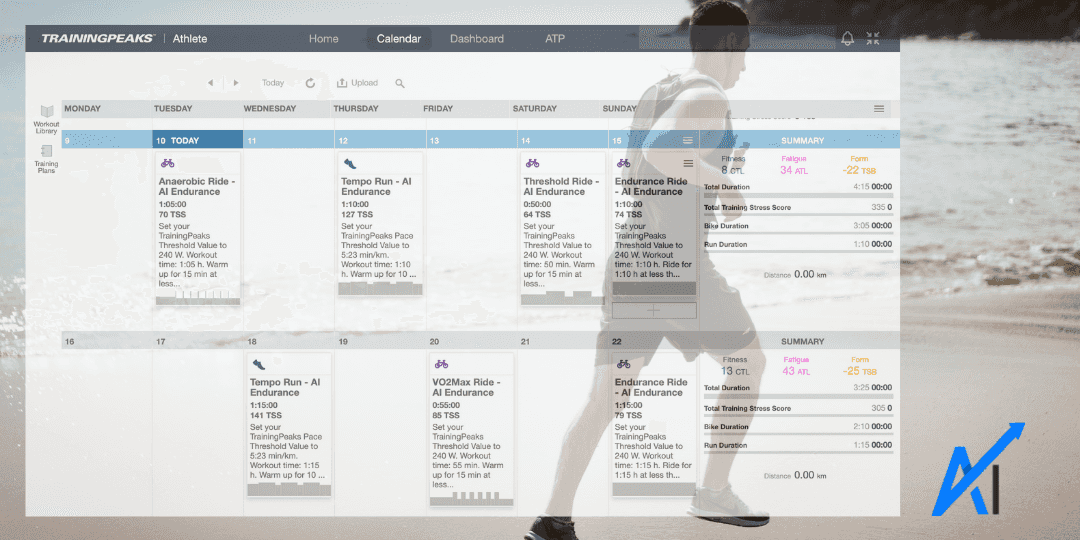
Get your AI Endurance best training plan into TrainingPeaks. From there, you can execute your TrainingPeaks workouts in Zwift and many other apps. Connect your AI Endurance account once and any changes will automatically be synced with TrainingPeaks.
You can also query your training data through ChatGPT or Claude with the AI Endurance athlete data MCP.
TrainingPeaks is the leading platform for endurance athletes to follow a structured training plan. As such, it has plenty of integrations with other training apps. You can now get your personalized and predictive AI Endurance training plan directly into TrainingPeaks with just a few clicks. You require a TrainingPeaks Premium account to access your AI Endurance workouts in TrainingPeaks.
First, go to your AI Endurance Apps page, go to 'Connected Apps' and click on TrainingPeaks:
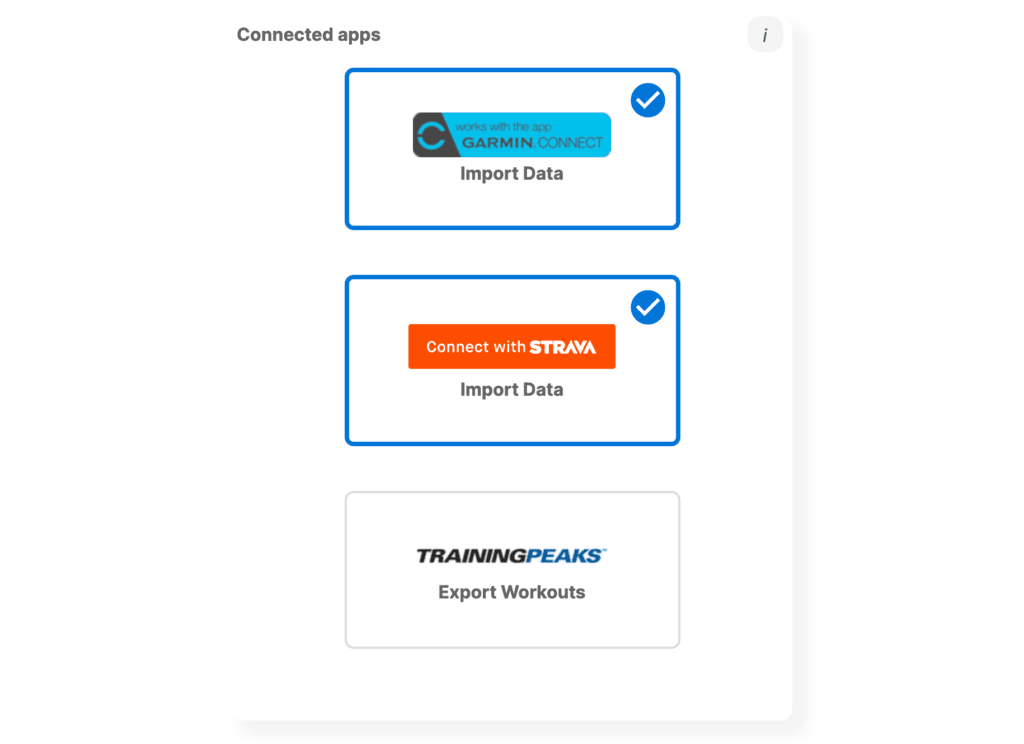
Next, authorize AI Endurance to access your TrainingPeaks data and workouts:
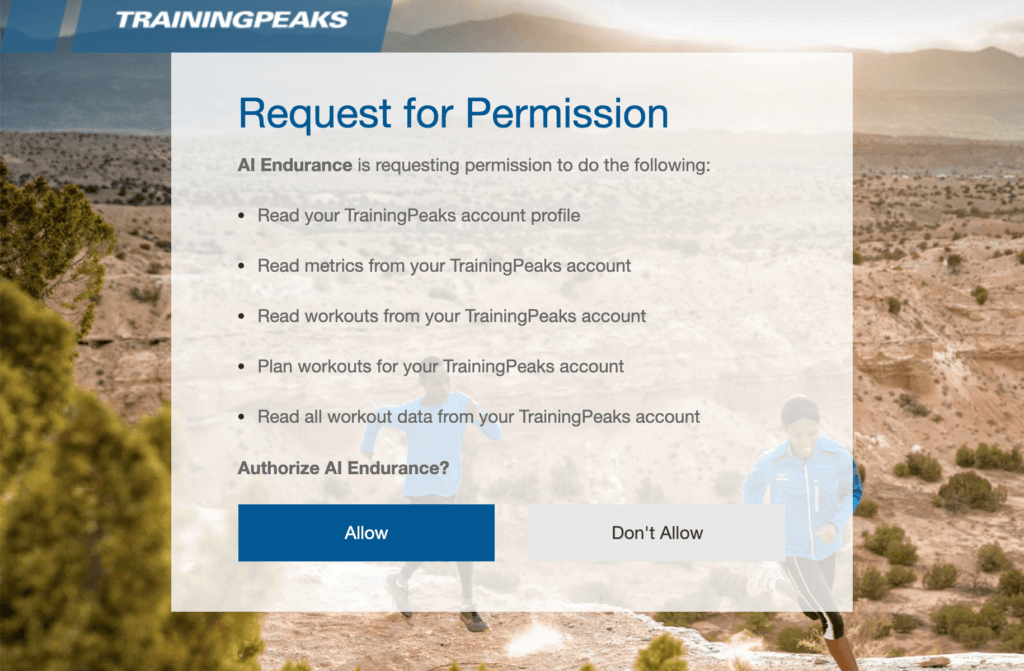
That's it! From now on, AI Endurance will forward your training plan automatically into TrainingPeaks.
Edit May 2026: We recommend you connect Zwift directly to AI Endurance on the Apps page, no TrainingPeaks needed.
If you also connect your TrainingPeaks account with your Zwift account, TrainingPeaks will forward your AI Endurance workouts to Zwift. You can find today's workout in the workout folder under the TrainingPeaks dropdown:
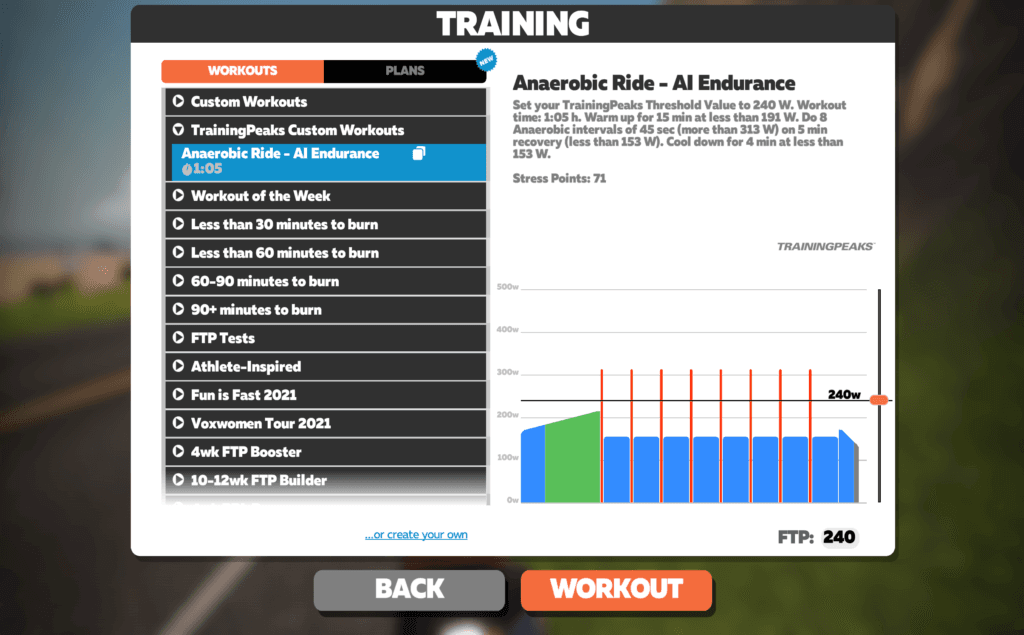
TrainingPeaks syncs with Zwift every day to export your workout of the day, find more details here. You can still export your AI Endurance training plans manually to Zwift, but syncing through TrainingPeaks makes that process easier. In particular, if your training plan is often adapted, we recommend using TrainingPeaks for a fully automatic 'click and forget' export and synchronisation of your training plan.
TrainingPeaks connects to a whole ecosystem of apps. As a result, you can execute your AI Endurance workouts for many other devices which may not be directly integrated with AI Endurance. For example, see here for a list of TrainingPeaks integrations. If we have a direct integration you don't need to go though TrainingPeaks. For example, to export your workouts directly to Garmin Connect, you can follow these instructions.
If you adapt your training plan by changing your zones, moving a workout to a different day or requesting a new training plan altogether, all changes will be automatically synced with your TrainingPeaks account. Connect once and never worry about exporting your workouts again. AI Endurance continuously exports your workouts so your next week of workouts is always up to date in TrainingPeaks.
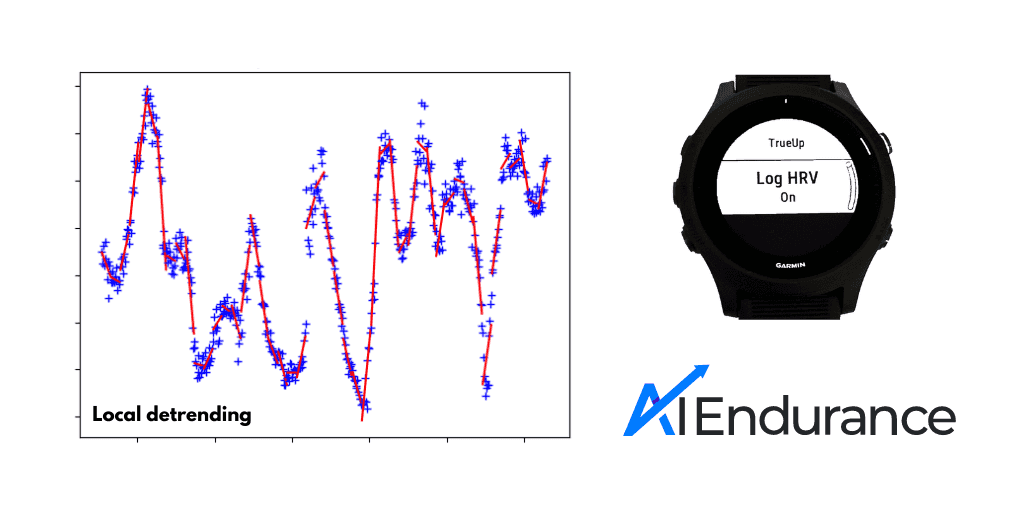
DFA alpha 1 lets you estimate your aerobic and anaerobic thresholds from heart rate variability, with no lab test and no dedicated test workout. A chest-strap HRV monitor like the Polar H10 is all you need for heart-rate thresholds; add power or pace data and you get corresponding thresholds in watts or pace units too. Here is how it works and how accurate it is.
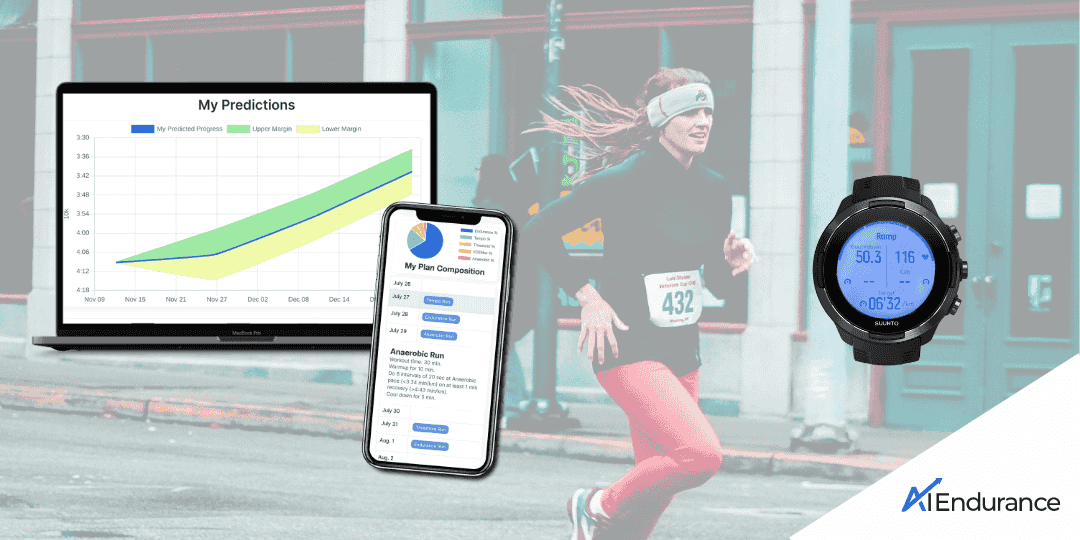
We show you in a few simple steps how to connect Suunto Guides with your AI Endurance account. You can get live workout instructions that are optimized to you by our AI. You can also easily determine your training zones and thresholds via a simple ramp test that utilizes your heart rate variability (HRV) data.
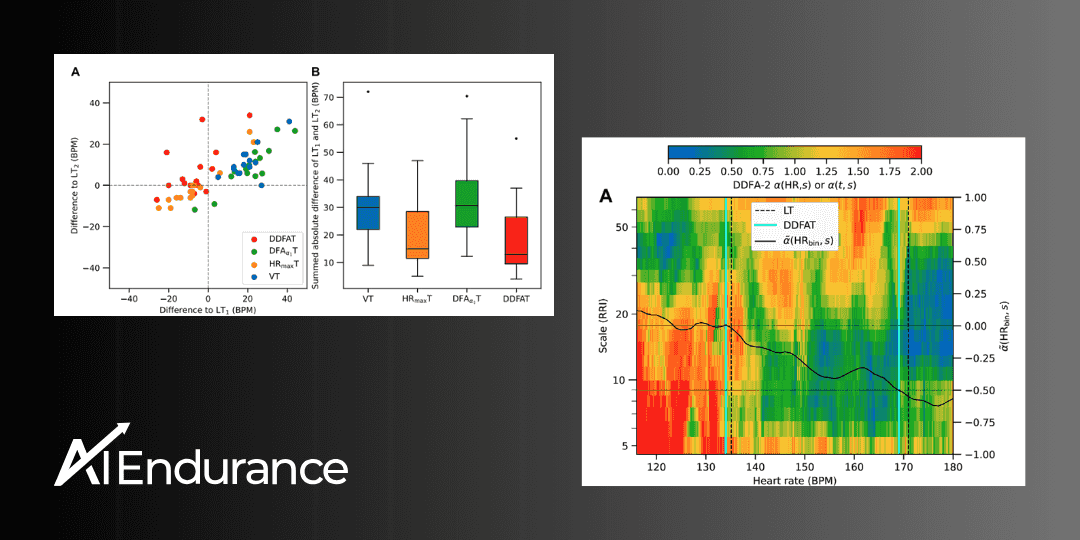
by Markus Rummel. DDFA (Dynamical Detrended Fluctuation Analysis) is a new method to analyze the changes in your HRV data during exercise. It is an evolution of the DFA analysis based on the research in [1, 2] used by AI Endurance.
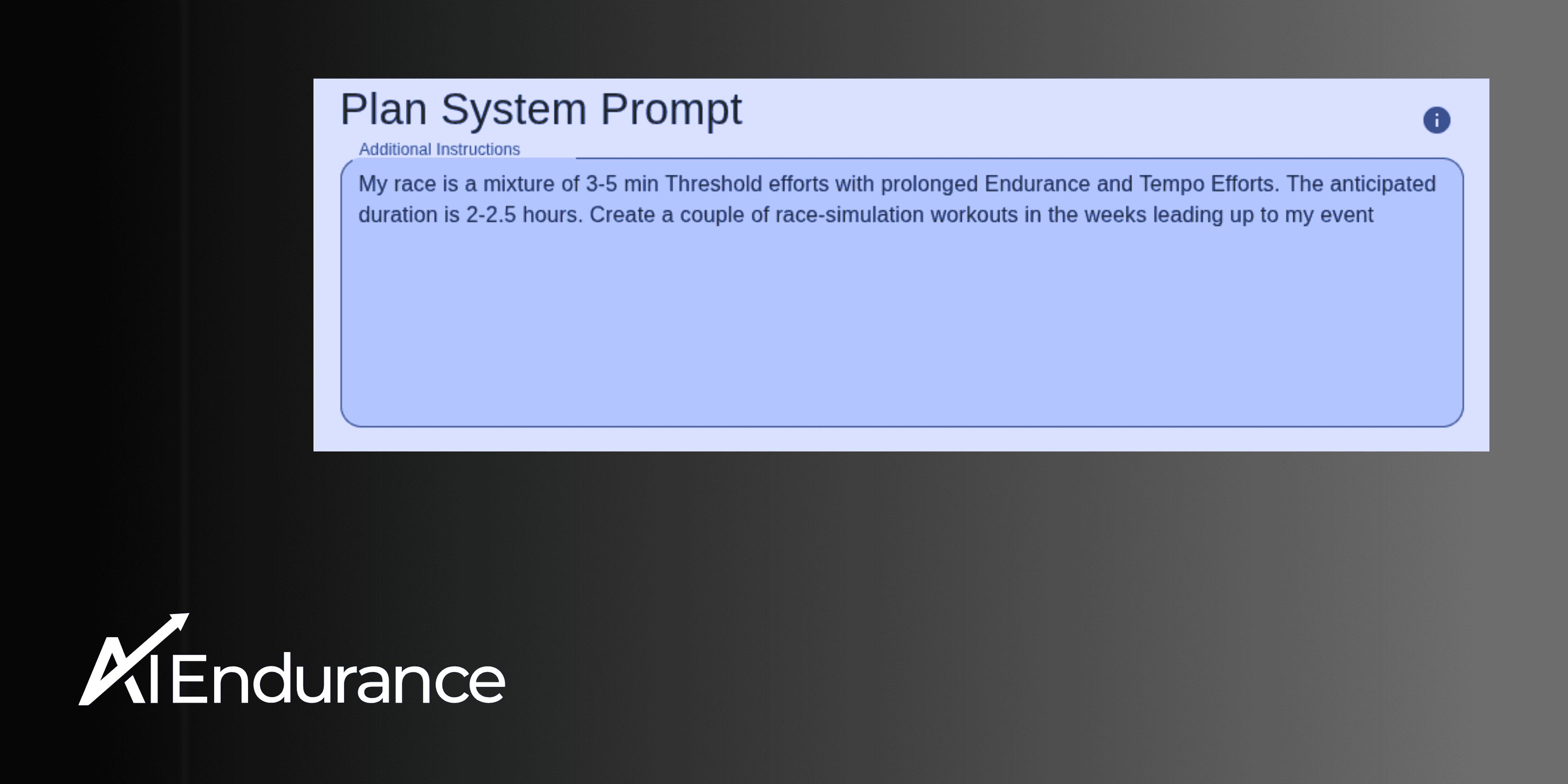
by Markus Rummel. At AI Endurance, your optimized training plan has always been built on data — not guesswork. We start by crunching the numbers: analyzing your recovery, availability, and long-term progression to create an efficient, evidence-based plan.

